Welcome people well.
Register patients, review arrivals, and check people in so the team can start the visit with the right information.
For the people who show up to care
A shared workspace for medical missions and community outreach. Help your team follow each visit, coordinate the next step, and keep care moving.
Try it with fictional patients. No password needed.
Every visit has a next step.
Discover medical missions
Explore publicly announced medical missions across the Philippines, including Camiguin, Iloilo, and Prosperidad. Find schedules, meet the organizers, and follow official links to learn how to get involved.
Search by foundation, location, or service. See upcoming schedules and announcements with dates still to be confirmed.
Browse the mission directory ↗
Free to browse and free to list. EMR access is an optional paid service. Compare listing and EMR features ↗
A home for the work behind the care
Bring the moving parts of a mission into a common workspace, with access matched to staff roles.
Register patients, review arrivals, and check people in so the team can start the visit with the right information.
Record assessments and clinical notes, route services, and see where each encounter stands.
Coordinate pharmacy orders, supplies, tasks, and visit summaries to support the handoff between teams.
How it works
Volunteers, clinicians, and coordinators have different responsibilities. Mission Care connects their work around a patient’s visit.
Walk through a sample mission ↗Coordinate staff access, schedules, notices, and the supplies your team needs.
Move from registration to assessment, consultation, and the appropriate services.
Use the demo to try sample stages and custom fields, then share what your organization would change.
An open invitation to try it
Explore fictional patients and sample visit entries. Switch between two example organizations, try workflow ideas, and leave feedback for the site owner.
Workflow editing is a demo preview. Changes here do not configure a live organization or affect real patient records.
Enter the sample workspace ↗SFCF · First pilot
Mission tools and Continuing Care are included at no charge for the Saints Francis and Clare Foundation pilot. Verified patients and authorized caregivers can return to their released visit summaries and care instructions.
Your care team reviews what is shared. Sign in to view your history, recover your account or download your released records.
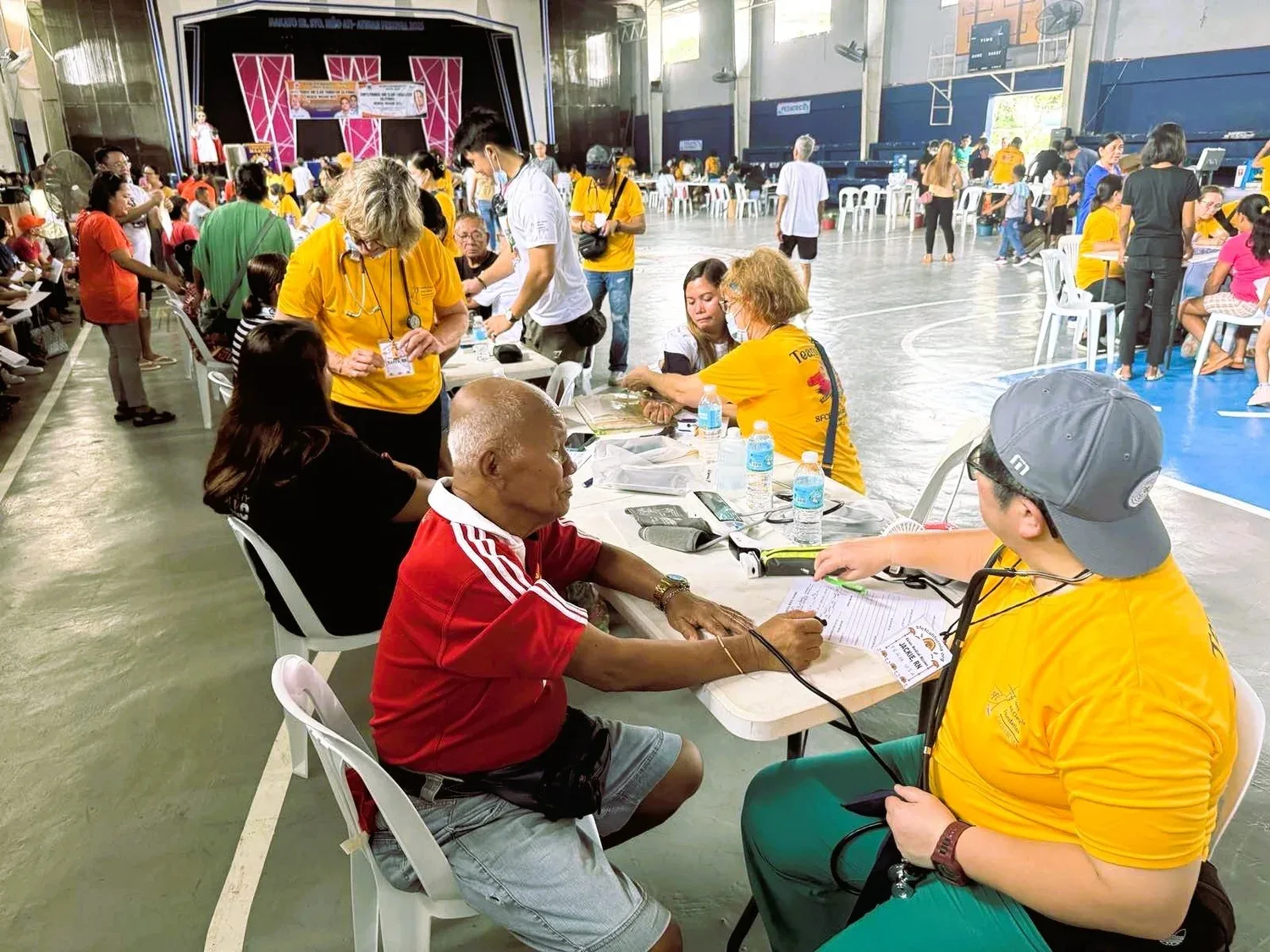 Website redesign · Review preview
From our community
Take a look at the upgraded Saints Francis & Clare Foundation website: mission stories, volunteer information, and ways to get involved.
This is a preview of the redesign, hosted for review. Official applications and giving remain with the foundation.
See the foundation website ↗Good to know
Medical mission and community outreach teams, including registration volunteers, qualified clinical staff, pharmacy teams, and coordinators. Clinical decisions remain the responsibility of qualified professionals.
Yes. Share missioncareos.org/demo/. Choose Enter demo to explore fictional records without sharing your own staff password. Please use only invented information in the demo.
The demo lets you explore different stages and custom fields for two example organizations. These are previews for gathering feedback; live workflow configuration is not yet connected to this editor.
Use Staff sign in to open your existing workspace. The installed app and website use the same service. You do not need to reinstall it to use these pages.
Clinical records, demo changes, and sign-in require a connection. Installing the app gives you a convenient way to open it; it does not make patient records available offline. The current service also depends on its host computer staying online.
The demo uses its own fictional data store and does not grant access to the clinical workspace. Live staff access requires a separate account and applicable authentication. Do not enter real patient information in demo records or feedback.
Build a better day of care
Try the sample mission, then use its Feedback tab to suggest improvements. For staff access or patient care questions, contact your mission coordinator.